01 / Customer
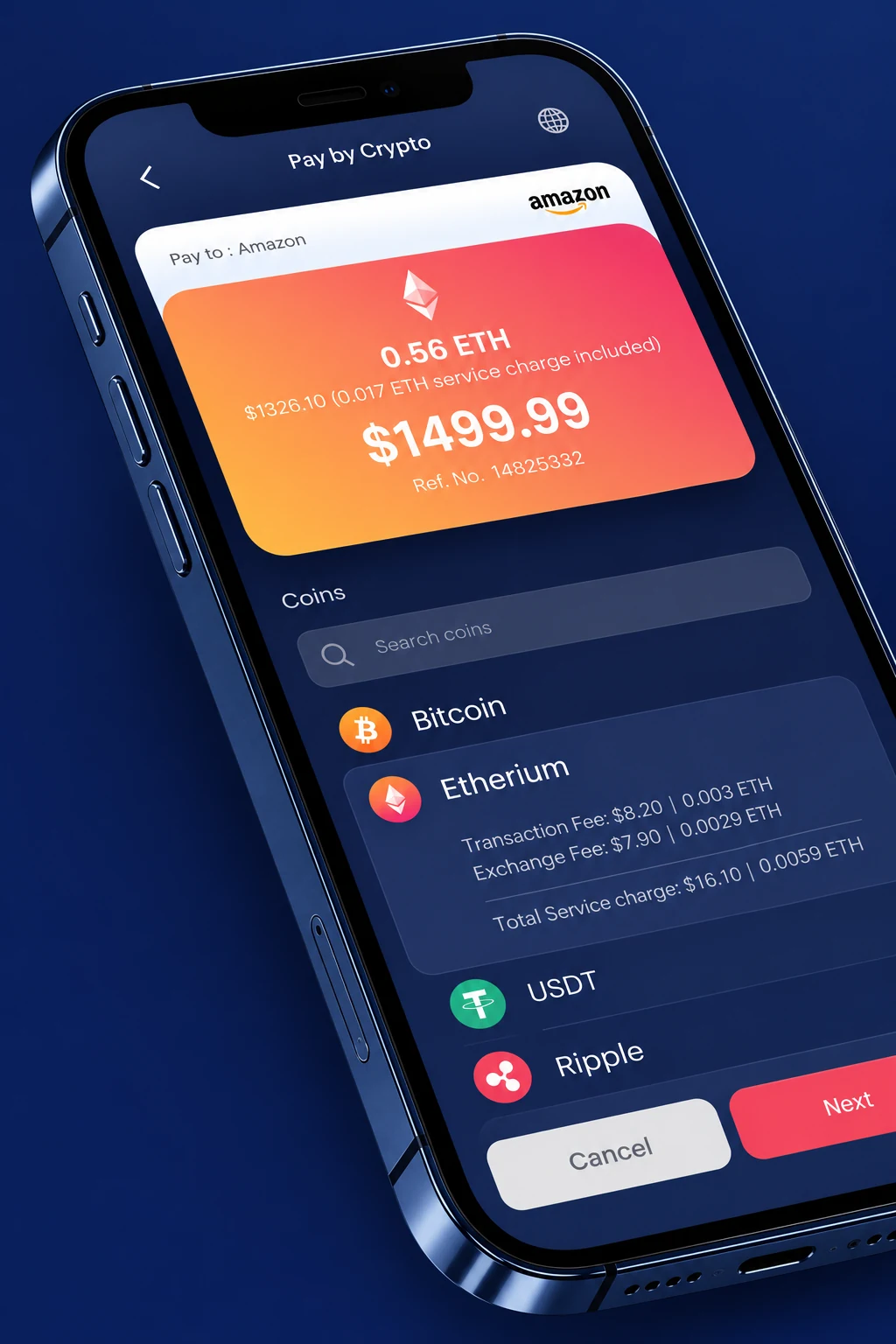
Choose a currency, understand the total and follow the payment to its confirmation.
C Pay · Product design
One connected experience.
For the customer, the merchant
and the team behind the transaction.
01 · The opportunity
A payment is a shared moment: a customer needs to know what to send, a merchant needs to know what arrived, and an operations team needs to understand what happened in between.
C Pay connects those three perspectives through one product family: a payment gateway, a merchant portal and a back office. The design makes amounts, fees, references and payment status visible at the moment each person needs them.
02 · Three connected experiences
The customer flow stays focused on completing one payment. The merchant workspace turns payments into bills, records and daily oversight. The back office adds the operational controls needed to support a wider merchant network.
The visual language stays familiar across all three, while the density changes with the task: fewer choices at checkout, more context in the workspace.
Choose a currency, understand the total and follow the payment to its confirmation.
Issue a bill, trace a payment and keep the day's activity in view.
Manage merchants, review transfers and follow settlement and exchange records.
03 · Payment gateway
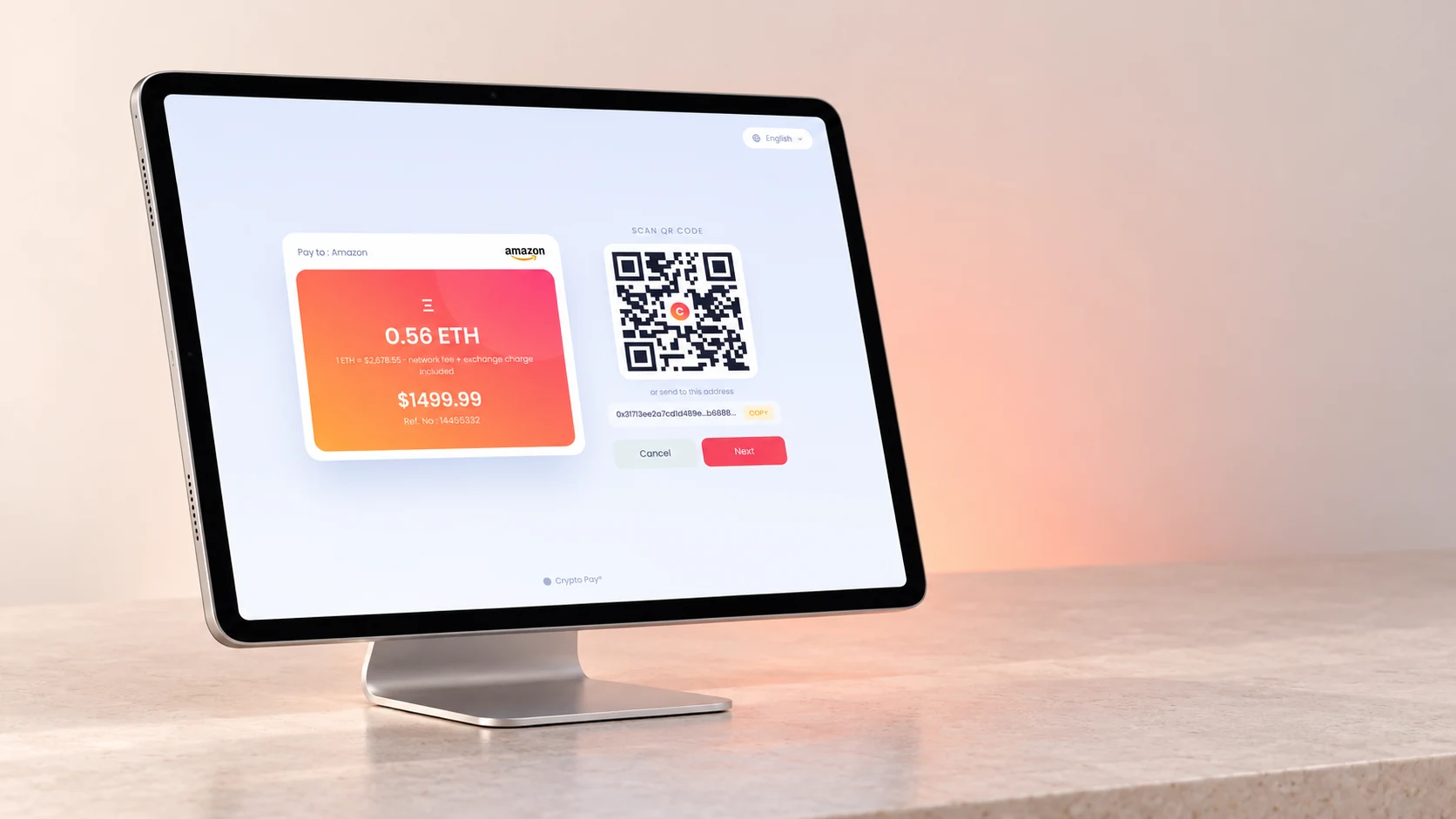
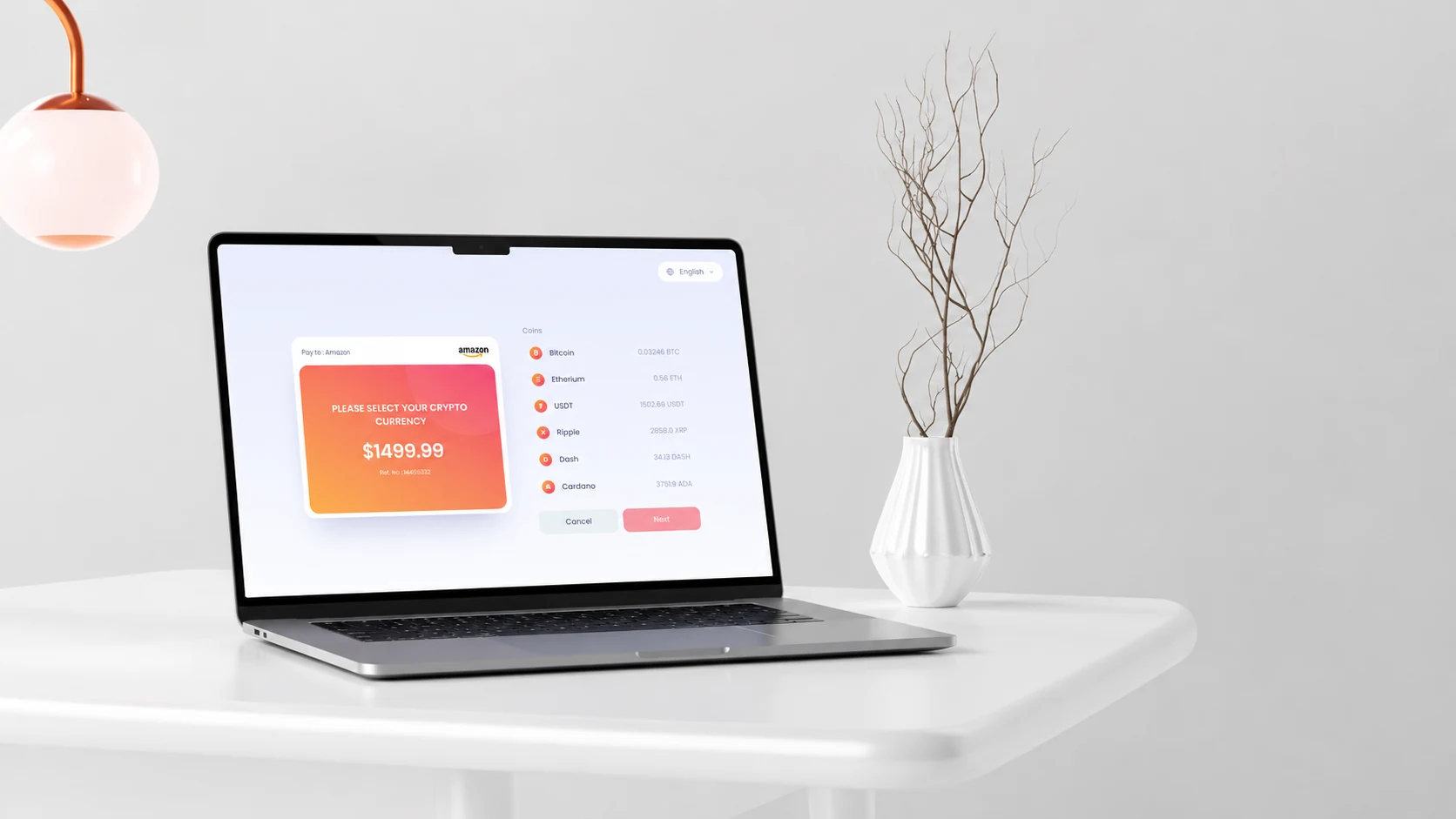
A familiar price anchors the journey while supported currencies offer a choice of payment method. Selecting a coin reveals its transaction and exchange charges before the user continues.
A QR code and copyable address connect the invoice to a wallet. Waiting, success and expired-link states give the payment a legible beginning, middle and end. The supplied prototype also explores a mobile wallet handoff, a simulated fingerprint confirmation, English and Persian, and light and dark appearances.
Choose a currency → Next → follow the QR payment flow. Amounts, addresses and confirmations are demonstration data.
04 · Point of sale
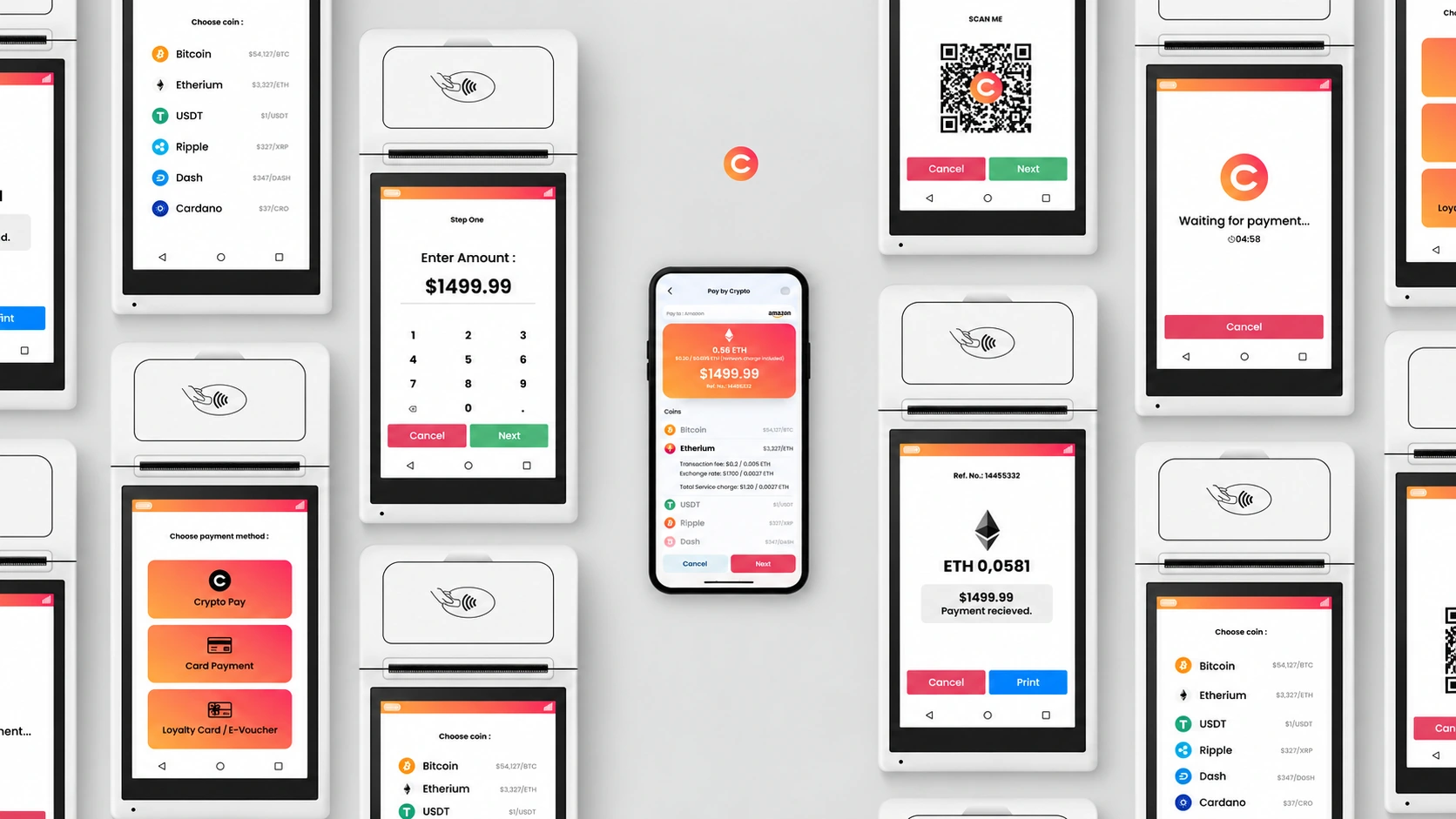
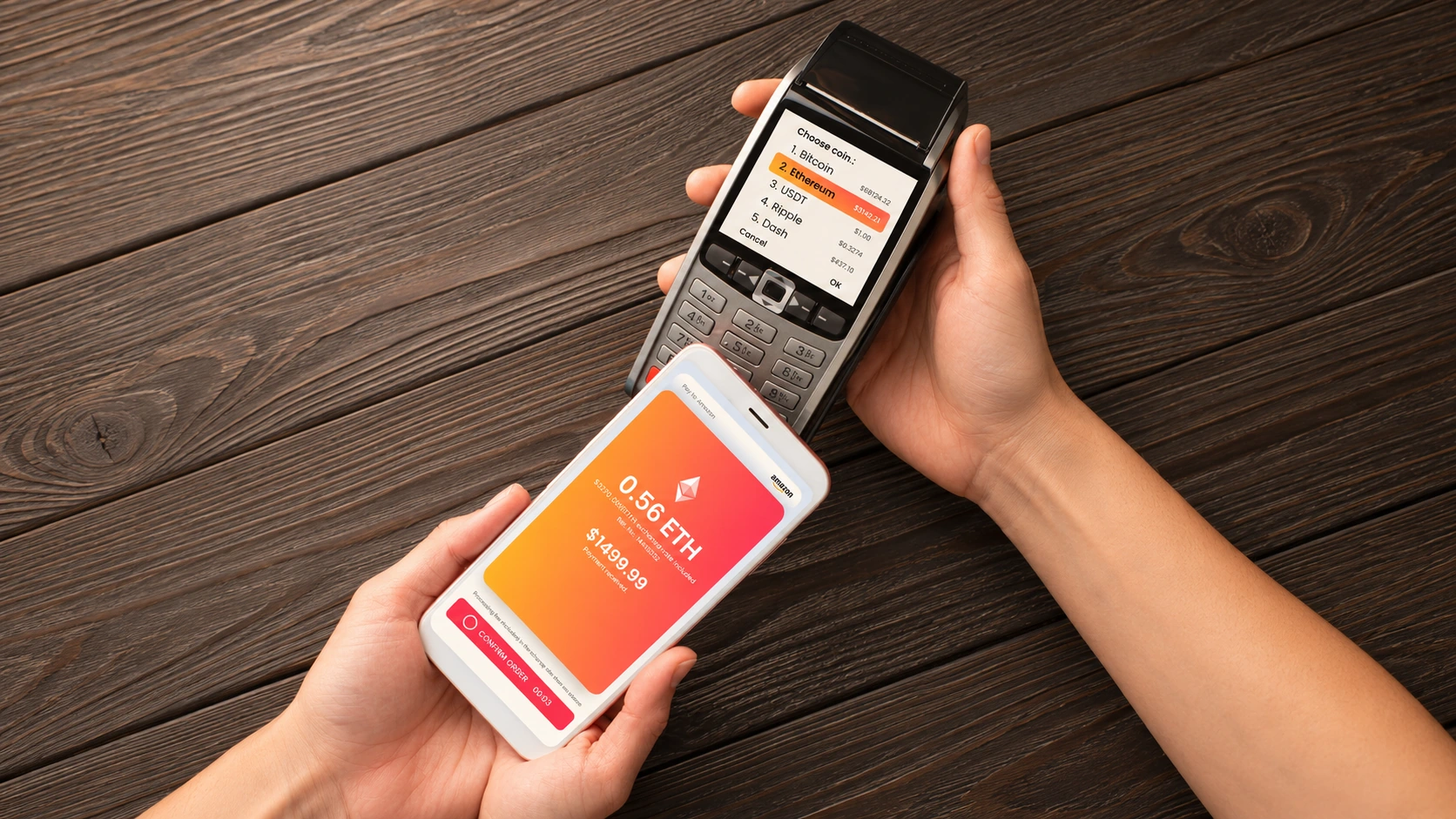
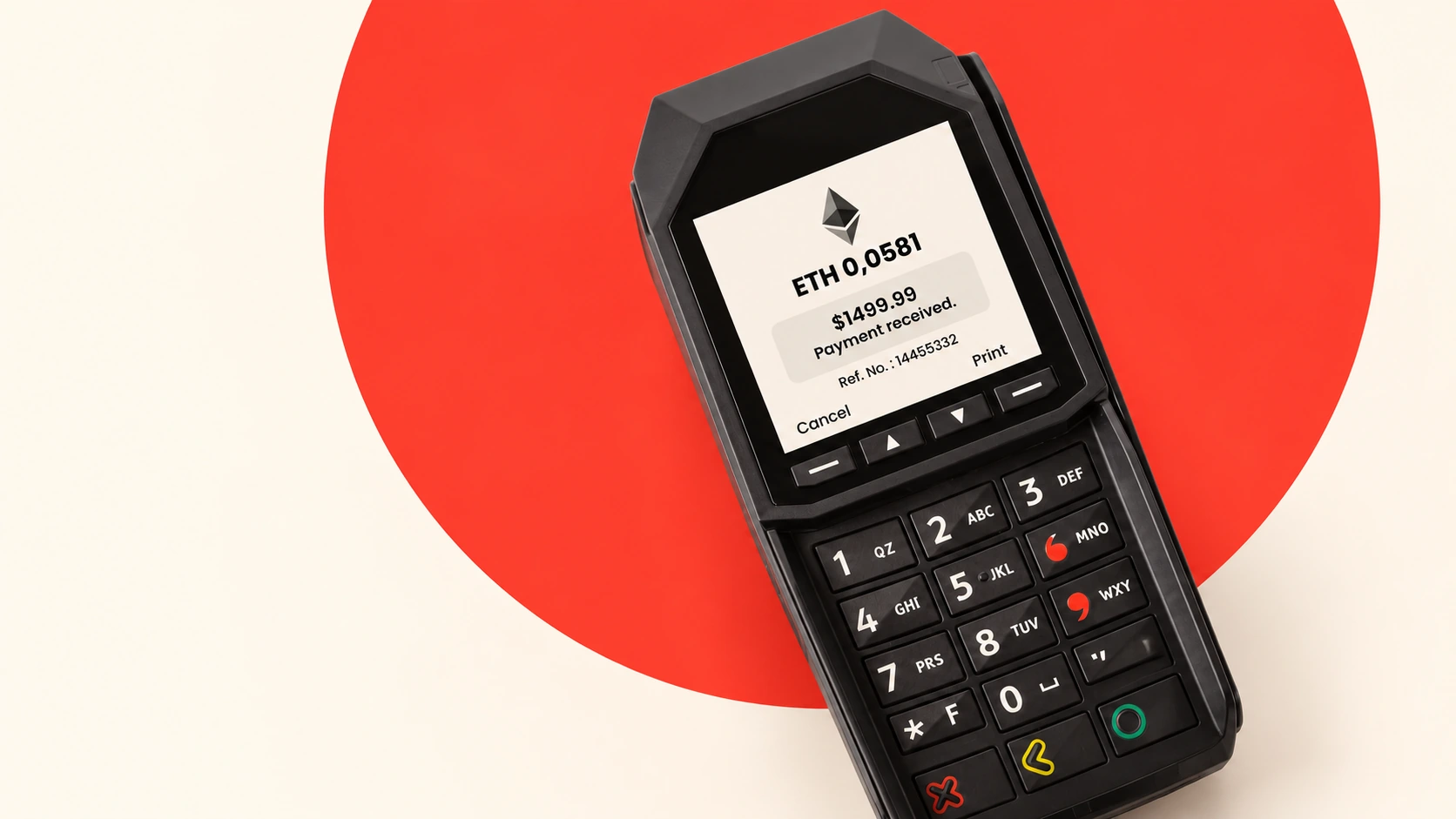
C Pay also explores payments on point-of-sale terminals. The supplied hardware concepts carry the journey from entering an amount and choosing a currency to scanning a QR code, waiting for payment and showing a receipt.
A phone and terminal share the moment of payment: the customer follows the amount on their own screen, while the merchant sees the status at the counter. These product visualizations present the POS experience alongside the original browser prototypes.
05 · Merchant portal
For a merchant, the job starts before money arrives. A bill needs an amount, a payer and a reference; a payment link then needs a clear route to the customer.
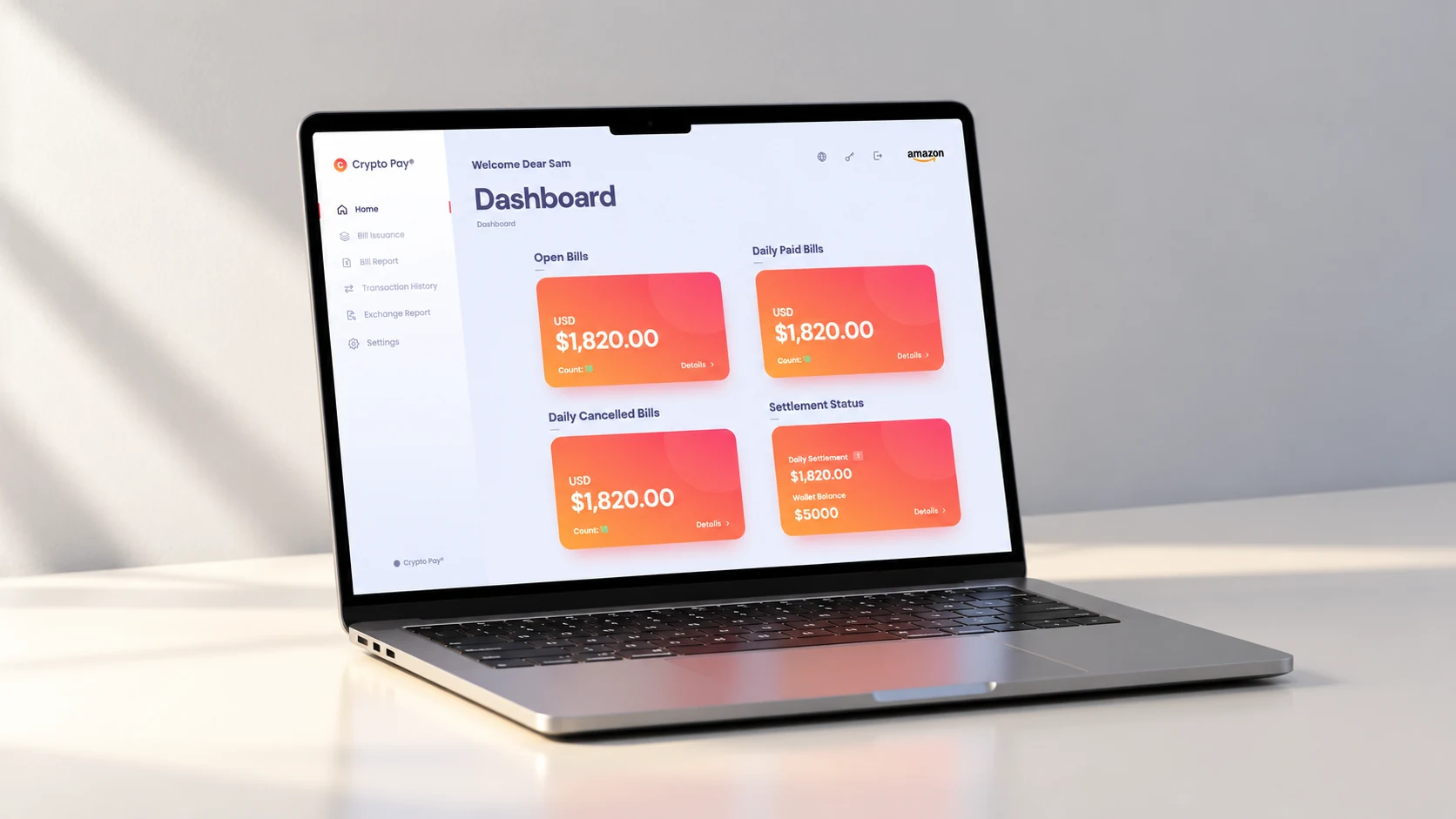
The portal brings bill issuance, open and paid bills, transaction history and exchange reports into one workspace. Summaries give the day a readable shape, while detail views keep an individual payment connected to its original bill.
Demo sign-in: enter any non-empty username and password, then any four digits. No account or real payment is created.
06 · Back office
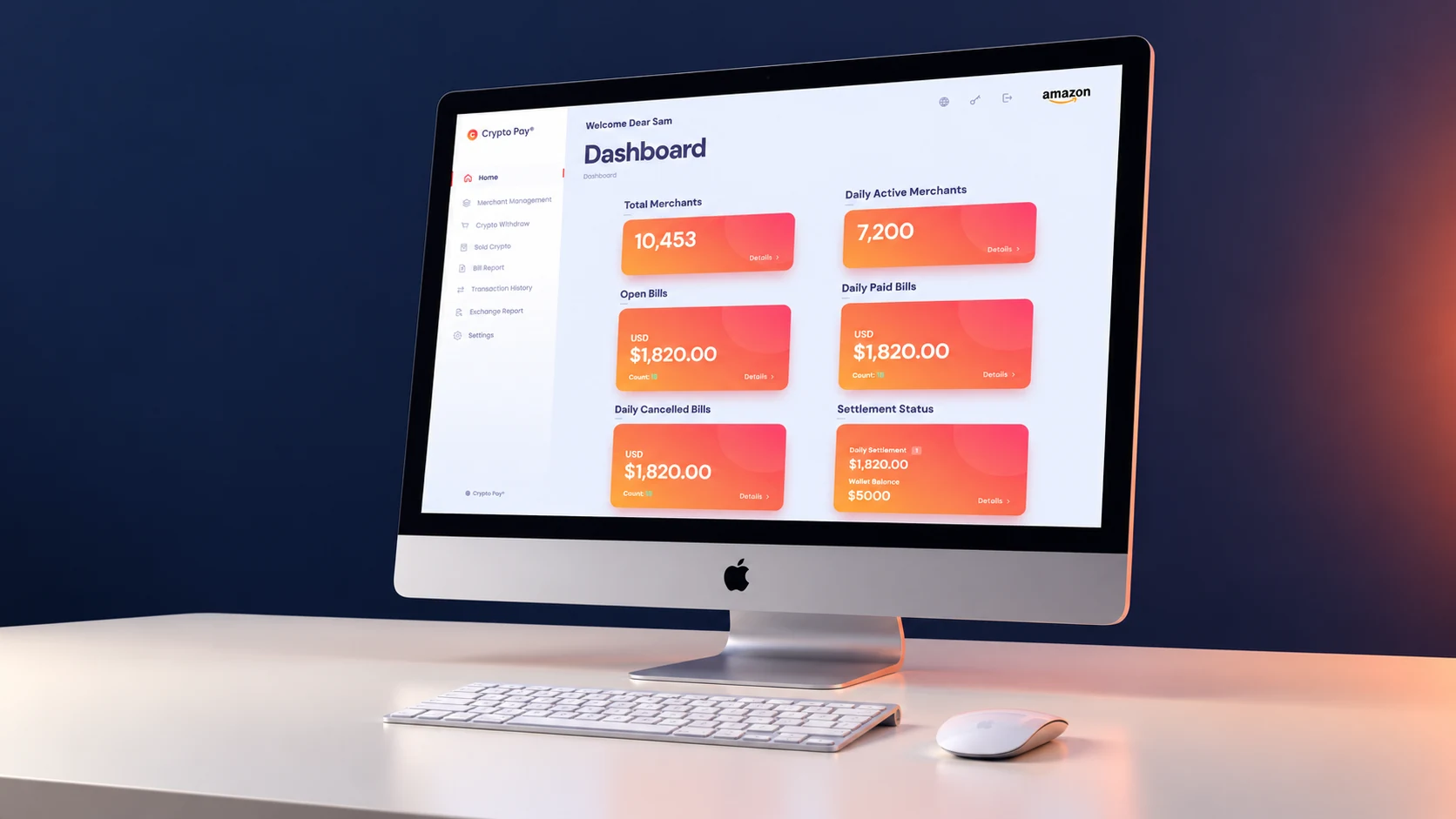
The back office extends the same system to the team behind the service. Merchant management, withdrawal journeys, sold-crypto records, bill reports and exchange history sit within a consistent navigation model.
High-consequence actions are staged: enter the information, review the details, then confirm. The prototype demonstrates these steps with sample records and simulated verification, making the interaction model tangible without moving real funds.
Explore Merchant Management, Bill Report or Crypto Withdraw using the supplied sample records.
07 · The interface language
Pale surfaces and quiet navy typography give dense financial information room to breathe. The orange-to-coral gradient makes the amount or summary card easy to locate, while a consistent family of coin symbols helps the user distinguish payment options.
Rather than making every surface equally expressive, the system concentrates color around the transaction. Shared cards, lists, forms and status patterns connect a simple checkout with a much richer administrative workspace.
08 · Beyond the screen
The new visualizations keep the interface at the center: an iPad at checkout, a MacBook for the merchant and an iMac for operations. Quiet surfaces and restrained lighting carry the navy, orange and coral palette into a minimal physical setting.
These are art-directed product mockups, not documentary photographs of a deployed service. The laptop, tablet and desktop scenes use Apple hardware; the POS scenes expand the supplied terminal concepts. The original films and prototype interfaces remain as supplied.
09 · What this work demonstrates
The design brings three different levels of complexity into one recognizable product family: a focused customer journey, a useful merchant workspace and a structured operational environment.
The original films and interactive HTML prototypes are presented here unchanged. The next validation step would be task-based testing of currency selection, fee comprehension, invoice creation, payment-status interpretation and withdrawal review. No conversion, processing-speed or adoption results are claimed.
Can a first-time payer explain the total, the selected currency and the next step?
Can an owner create a bill and trace its status without losing the reference?
Can an operator review a merchant or withdrawal and identify what needs attention?
Product design & art direction · Alireza Jelodar
Original interface and films · C Pay / Crypto Pay
New minimal device visualizations · AI-assisted art direction