Start
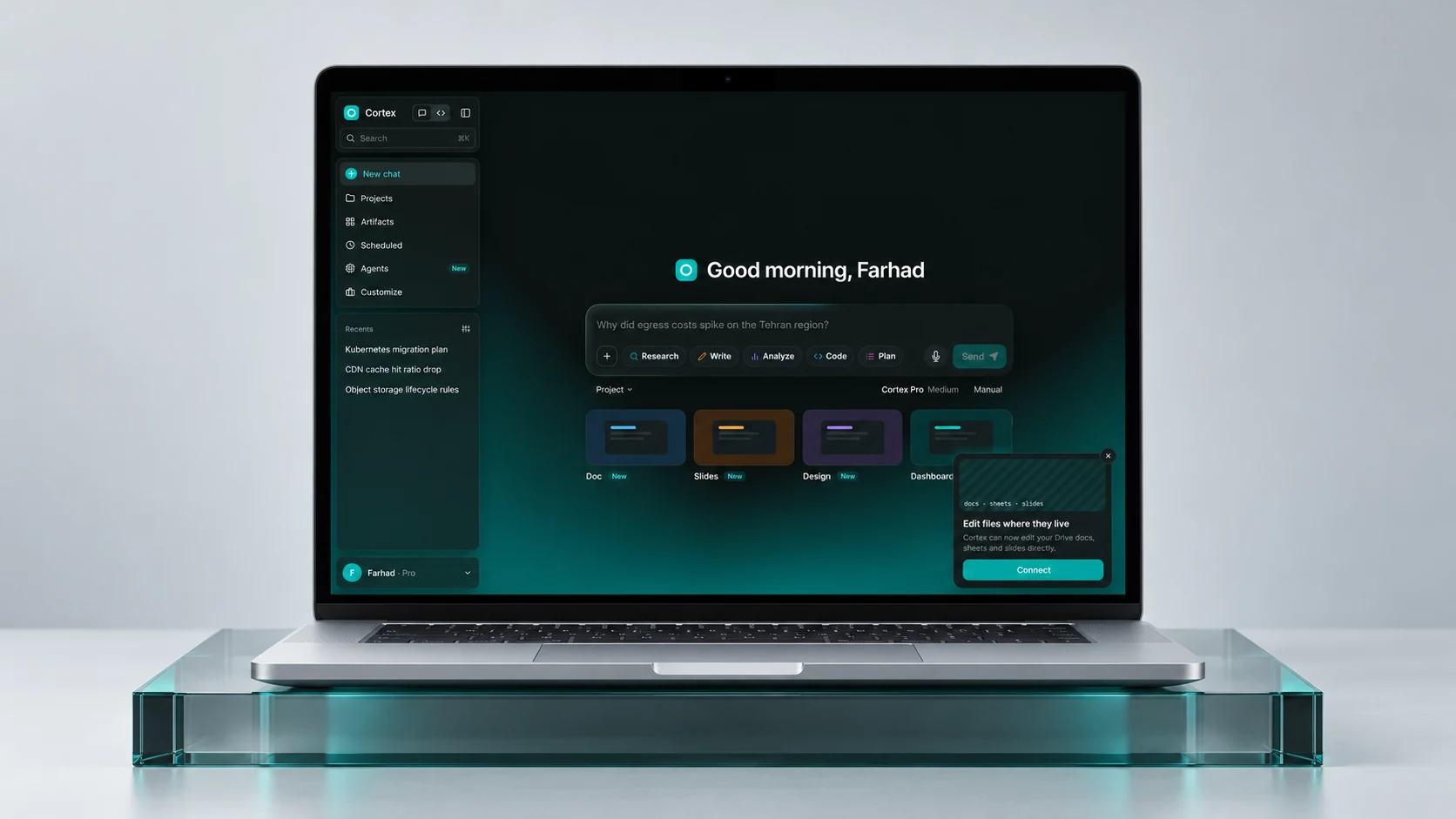
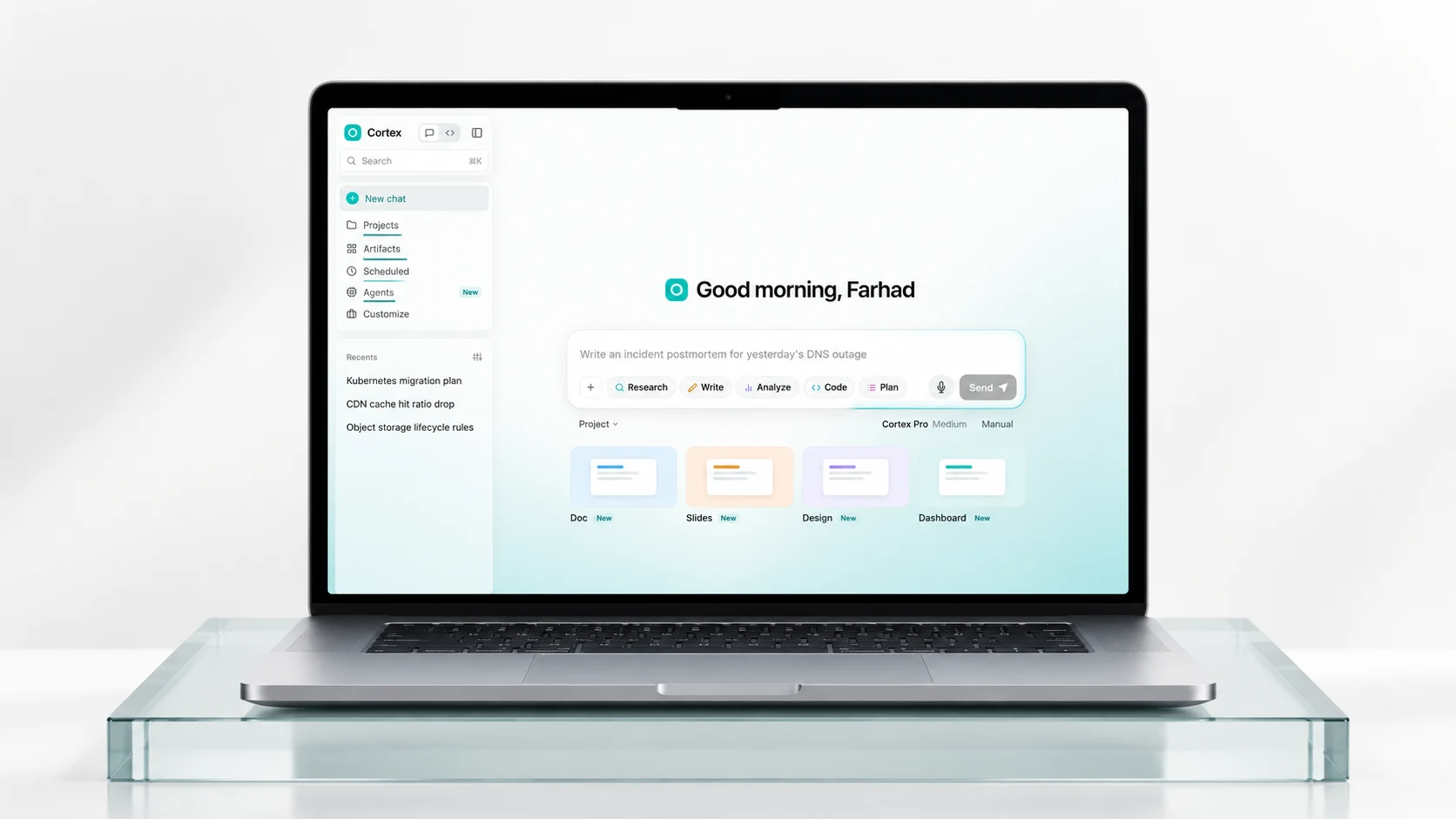
A composer with visible modes and a clear next action.
Explore the original Cortex interface: Chat, Projects, Artifacts, Scheduled tasks and Agents. Appearance and language are available in the profile menu. Sample responses and actions are simulated; no live AI or cloud accounts are connected.
01 · The design challenge
A useful answer is often only the beginning. A cloud team may start with a question about infrastructure, gather evidence, draft a plan, create a document and return to the same work a week later. When every step lives in a separate surface, the user has to keep the context together.
Cortex explores a connected workspace for that journey. Conversation is the entry point; projects, artifacts, agents and recurring tasks give the work a place to persist. The supplied prototype uses cloud operations scenarios to make those relationships concrete.
02 · Information architecture
The navigation distinguishes work by purpose. Chat is the immediate conversation. Projects group related materials and instructions. Artifacts hold outputs. Scheduled tasks represent work that repeats. Agents provide a dedicated space for ongoing specialist conversations.
A persistent sidebar keeps those destinations recognizable, while the Chat and Code switch acknowledges a different working mode. Recent conversations offer a short route back into an unfinished task.
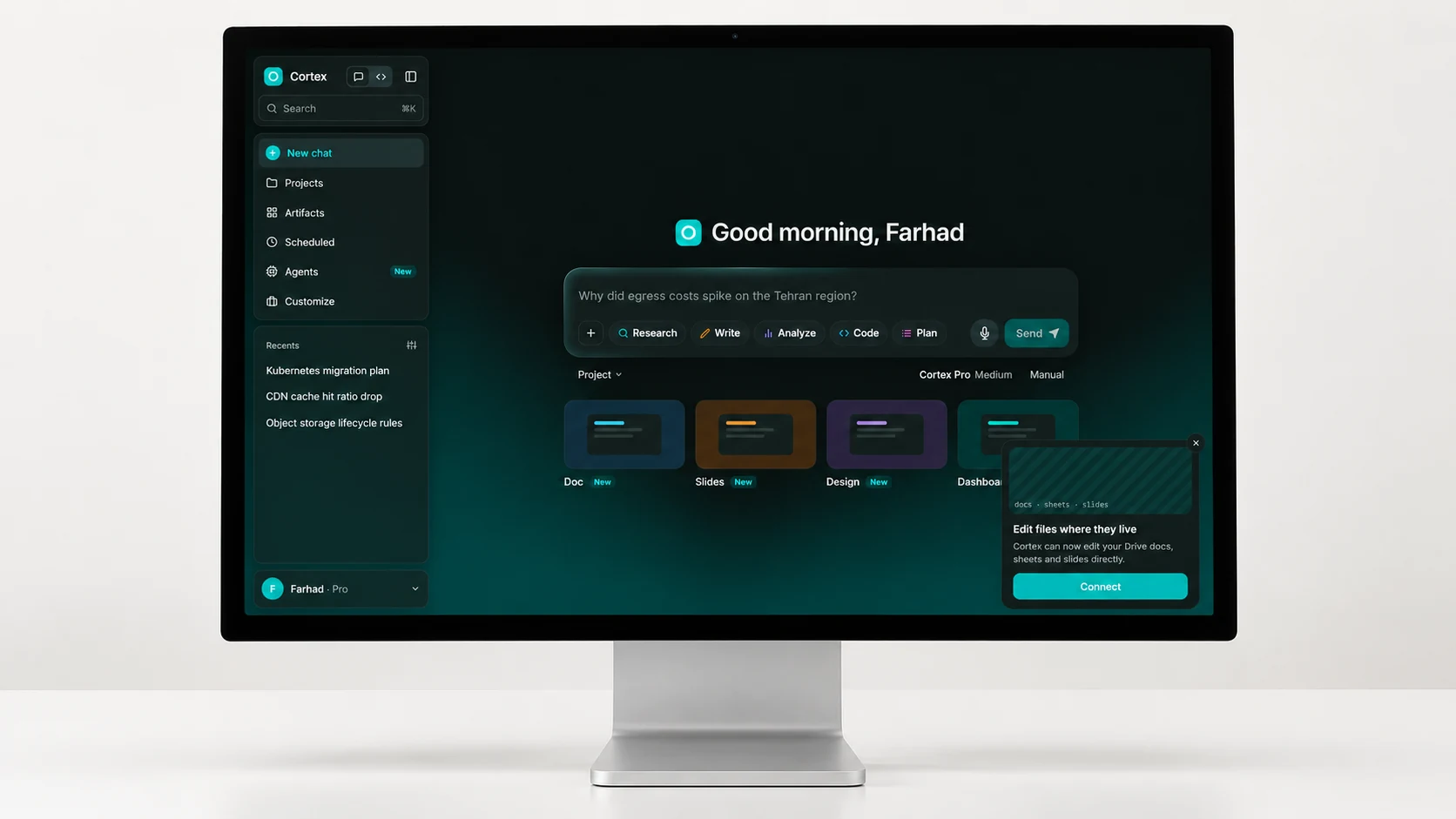
A composer with visible modes and a clear next action.
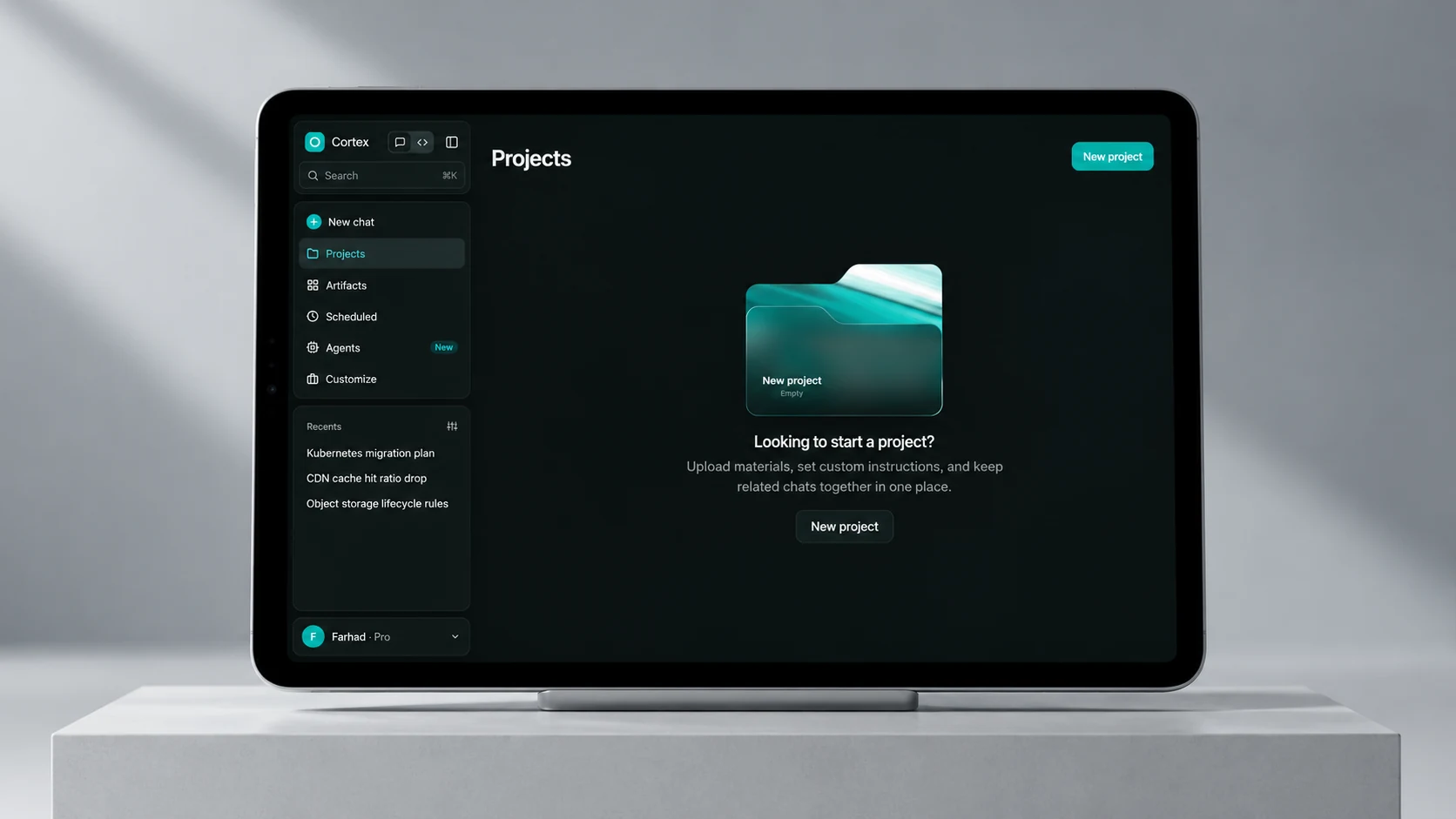
Projects connect the context around related conversations.
Artifacts and agent threads make the output and its status easier to find.
03 · A deliberate starting point
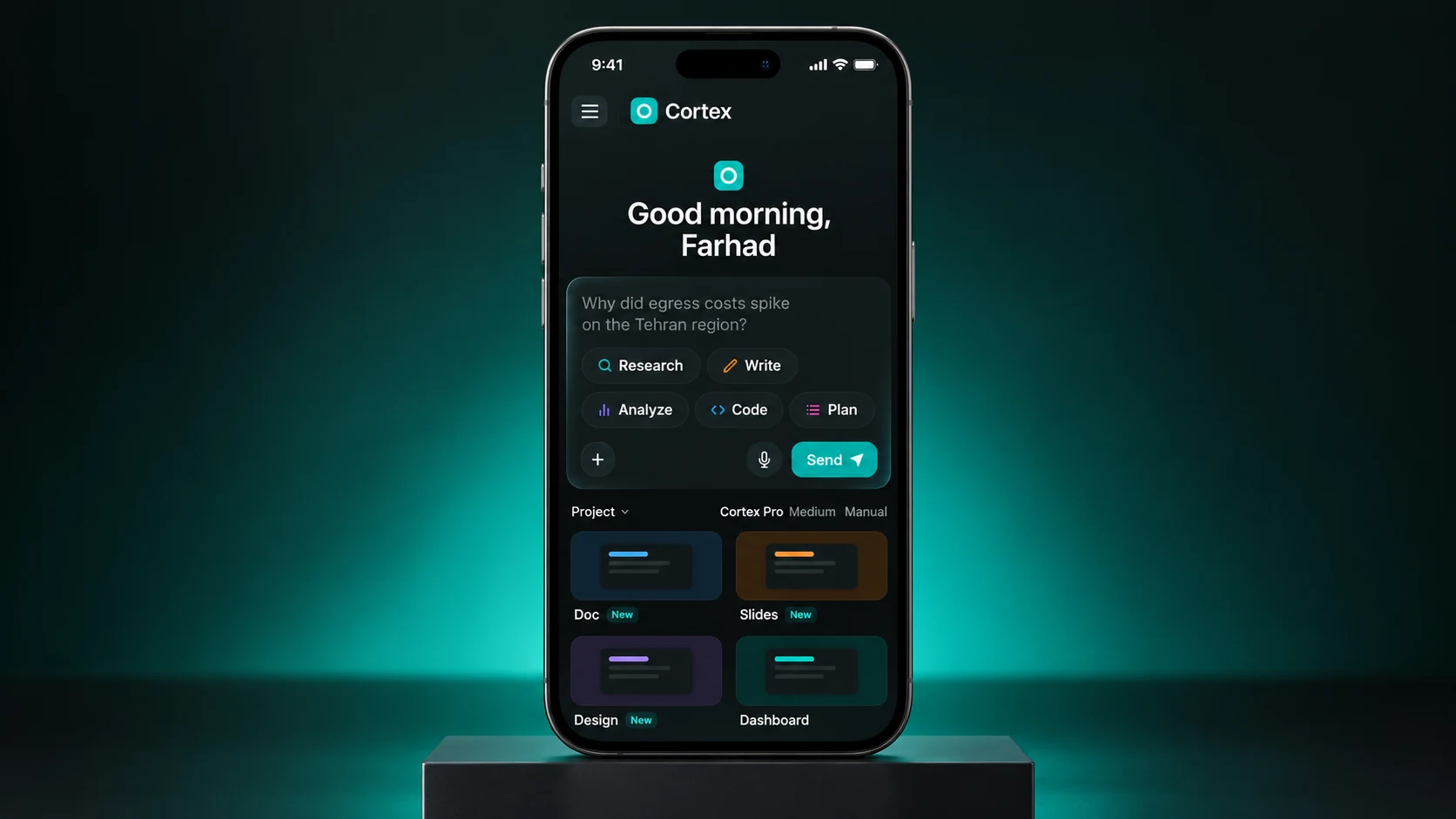
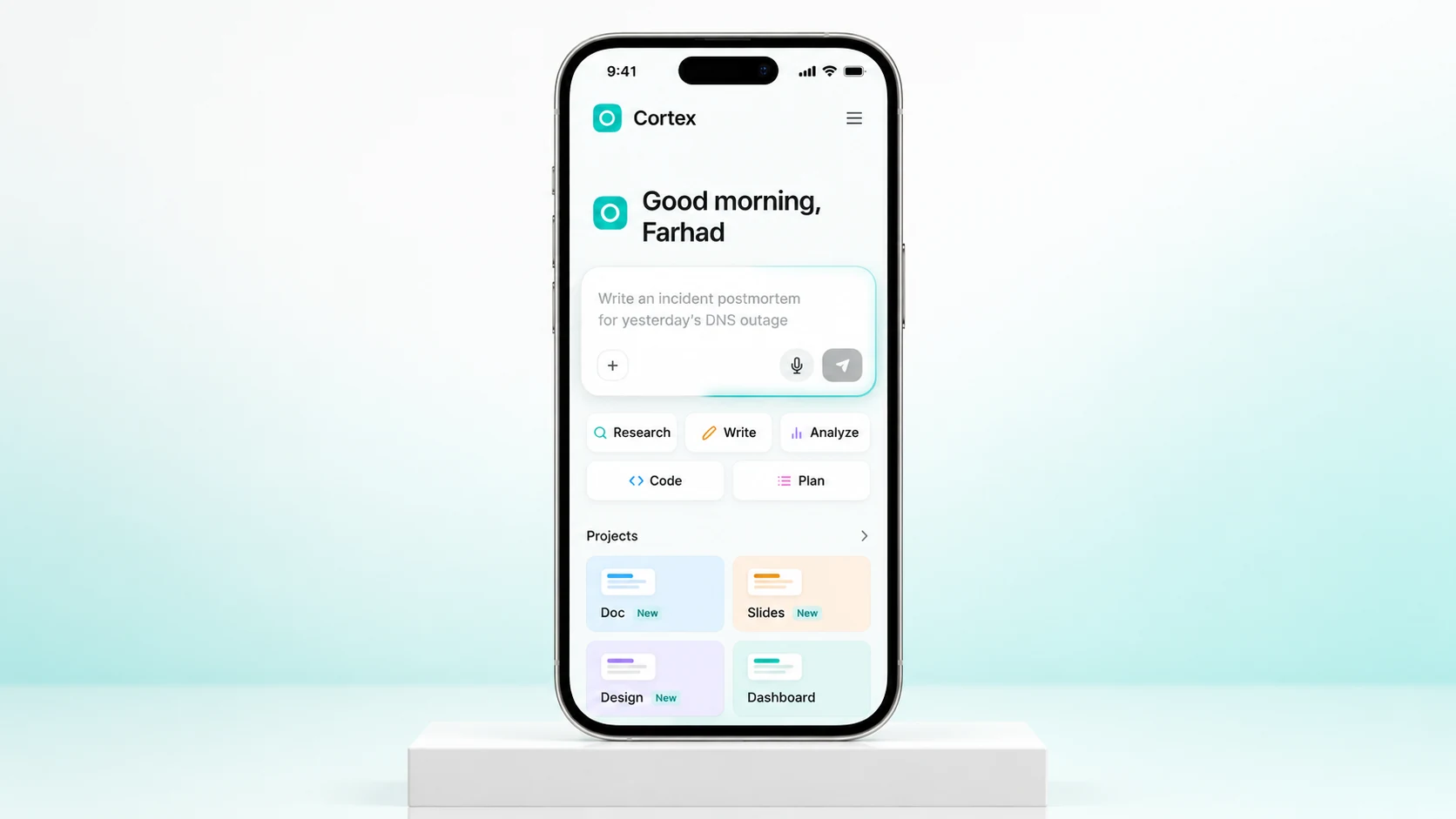
Research, Write, Analyze, Code and Plan sit inside the composer rather than behind an unrelated settings page. They communicate different intentions before a prompt is sent. Attachments and project context sit close to that same moment.
Model, effort and permission controls remain visible beneath the prompt. The design makes room for a person to decide how much reasoning and autonomy a task needs. The Manual control is especially important when the product begins to reach beyond a text response.
04 · Context that stays with the task
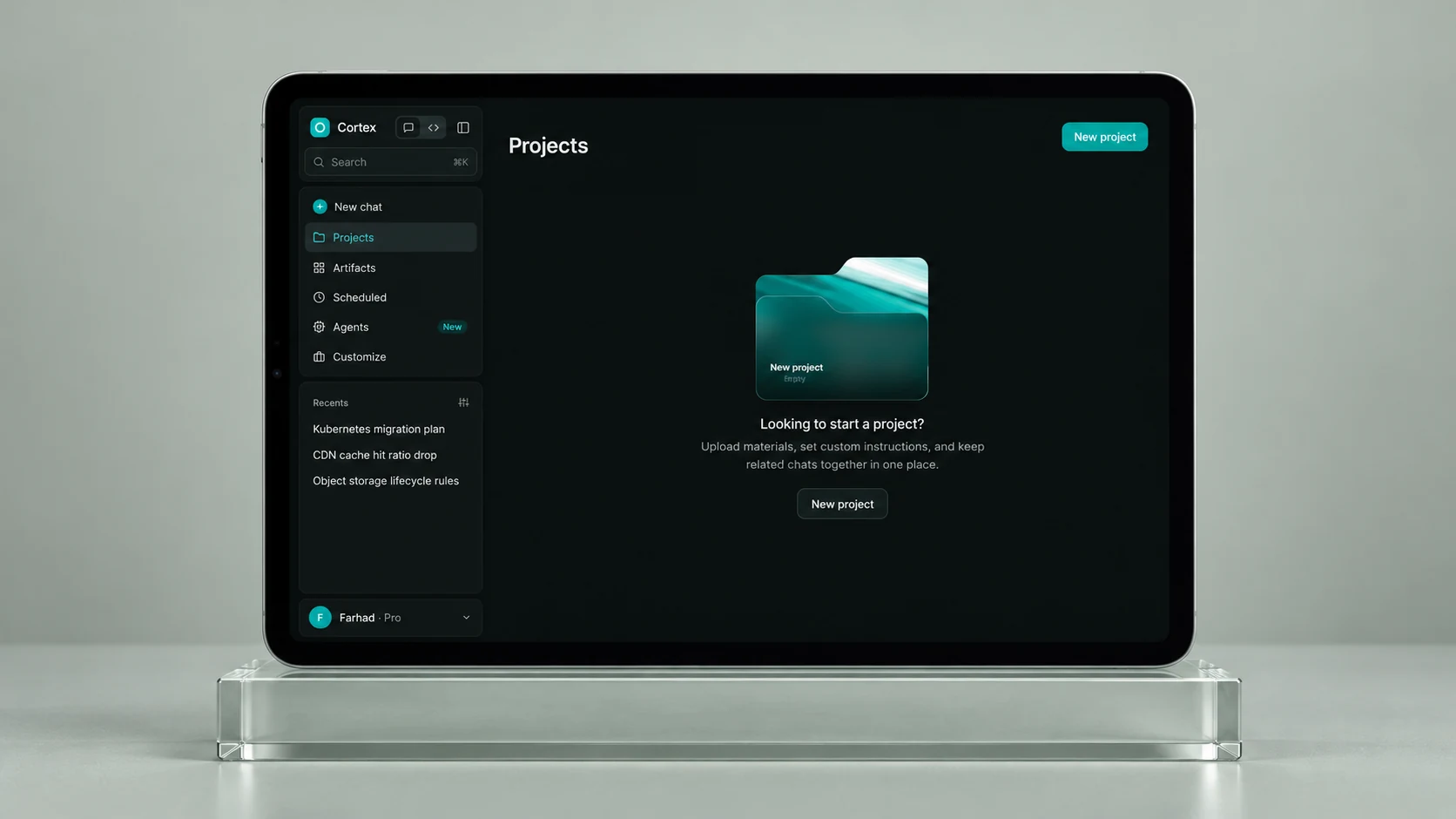
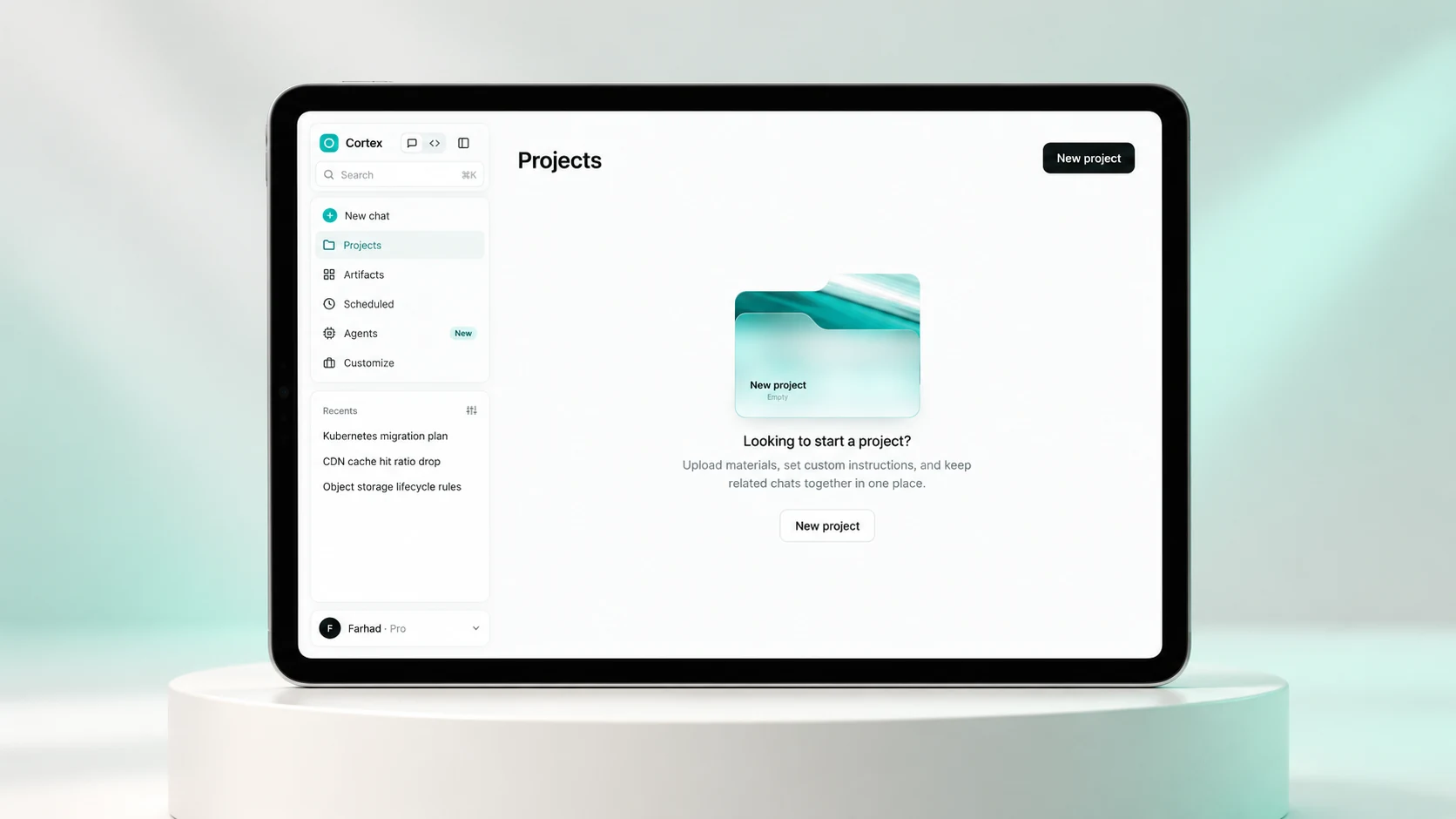
The project flow brings materials, custom instructions and related conversations together. The empty state explains that purpose before asking for a project name, giving the first action a reason to exist.
The intended workflow is to establish the context once, then return to it as the work develops. A migration plan, supporting files and the next discussion belong to one recognizable place, rather than a series of disconnected prompts.
05 · Continuing work, with a visible status
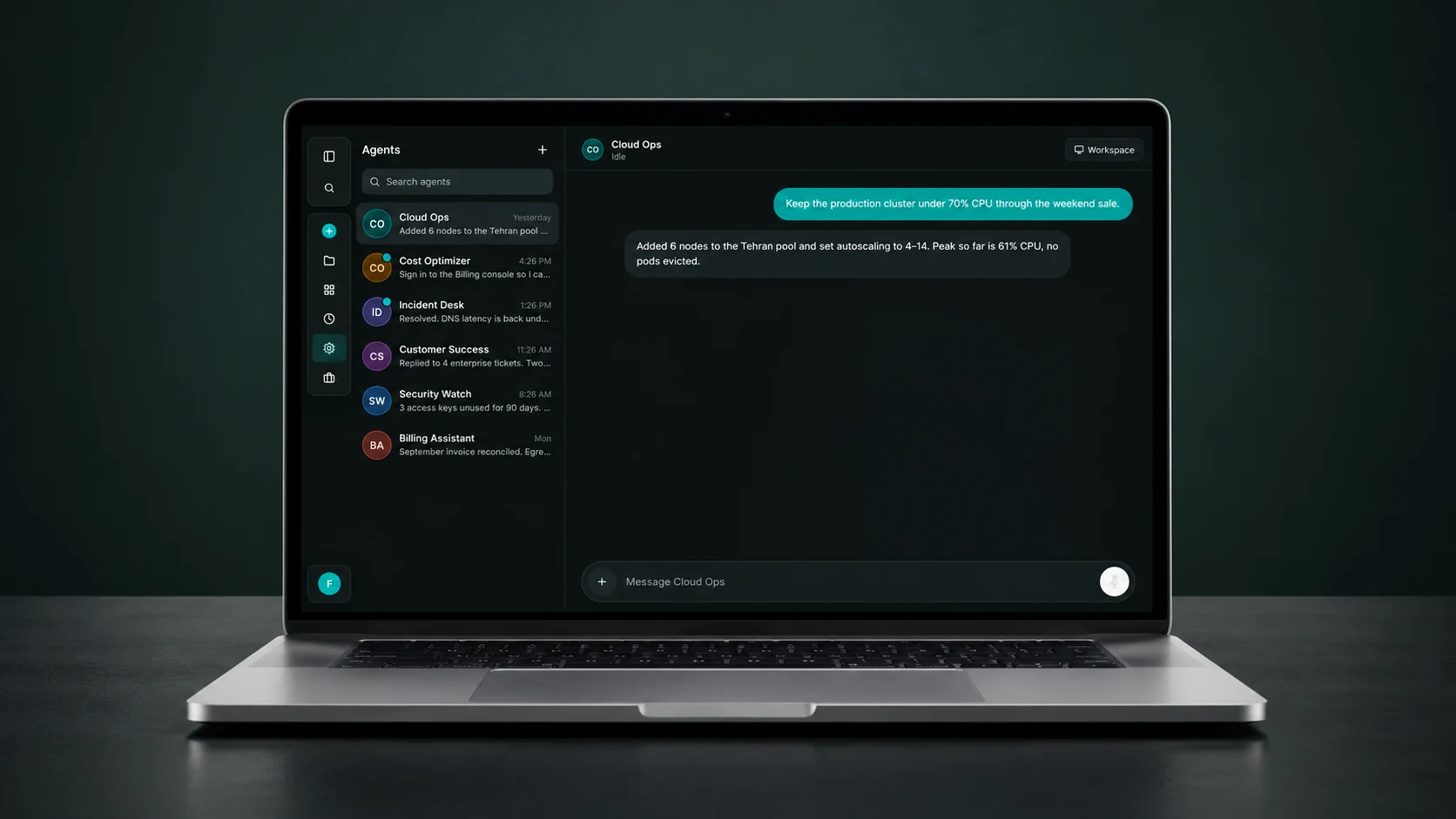
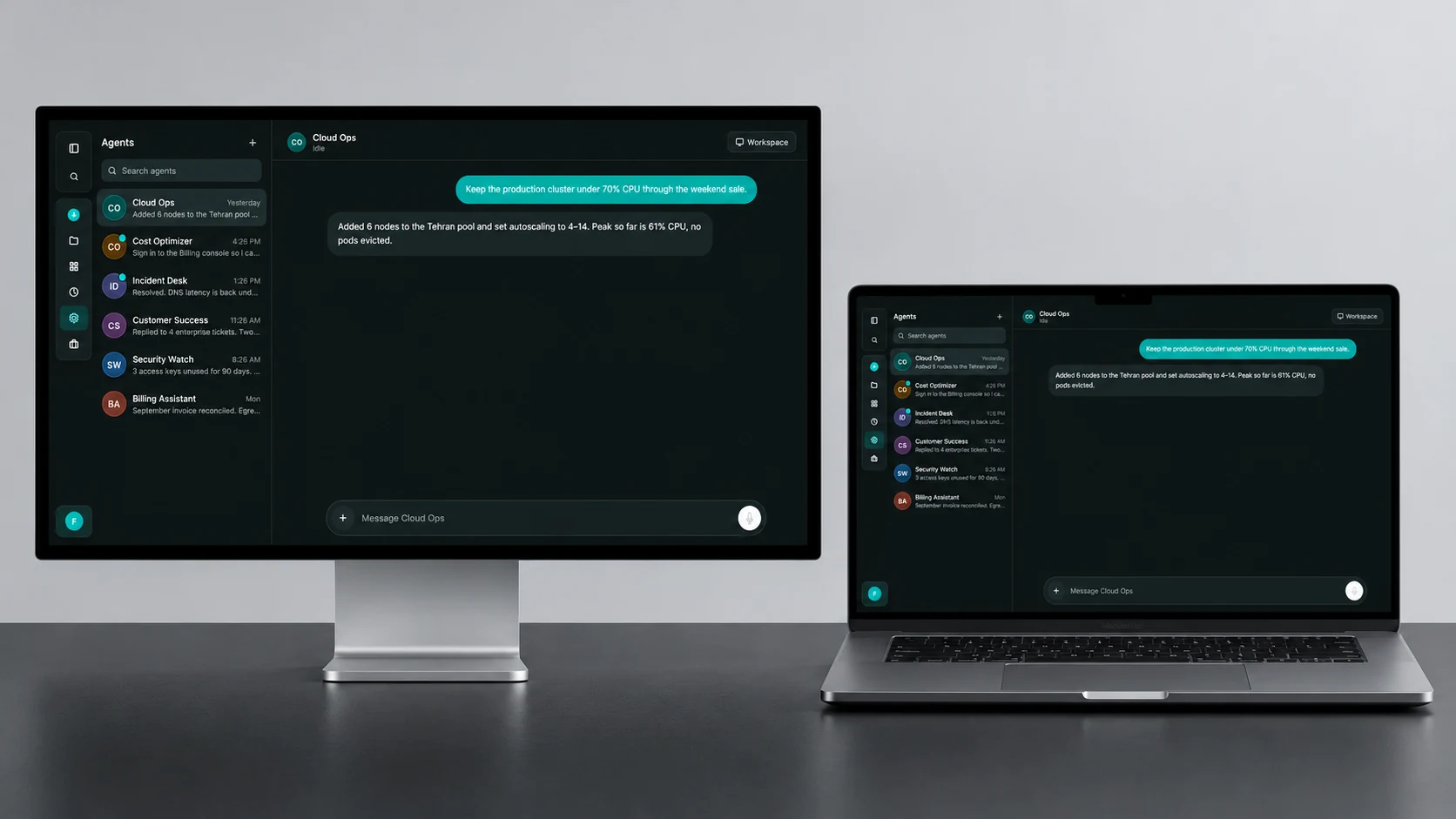
The agent workspace uses a familiar thread structure: a list of specialists, a recent update and a dedicated conversation. Cloud Ops, Cost Optimizer and Incident Desk demonstrate different contexts without requiring a different product for each one.
Status and handoff moments are part of the interface. A task waiting for the user should explain what it needs and offer a clear way to continue. The cost-optimization example illustrates an authentication handoff; it is a simulated interaction in this prototype, not a connection to a live billing account.
06 · Beyond the response
Documents, slides, design and dashboards appear as recognizable output types. The Artifacts destination separates something worth keeping from the conversation that produced it. Scheduled tasks introduce a different rhythm: work that needs to happen again, with its configuration available to inspect.
The design direction connects creation, review and return. A document should remain findable after the conversation ends; a recurring task should remain understandable after it is configured. The prototype demonstrates these surfaces using sample content.
07 · Configuration and trust
The settings architecture separates general preferences, memory, history, models, routing, gateways and MCP servers. These controls express different responsibilities: how the interface looks, what context is retained, which model handles the task and what tools may be connected.
The design challenge is to expose enough control for a technical user without turning every conversation into configuration. A next iteration would test whether permissions, connection state and handoff messages are understood before a consequential action.
Project materials, instructions and memory have distinct roles.
Models, gateways and tool connections describe what may be available.
The interface should make an approval or handoff easy to recognize.
08 · A quieter visual language
The identity comes directly from the supplied HTML: a near-black green canvas, layered charcoal surfaces, pale text and a restrained teal accent. Color marks a useful control or an active state; the content keeps the visual priority.
English and Persian modes explore both reading directions. Light and dark themes are present in the original prototype. The new presentation focuses on the dark identity, with clean Apple-device mockups and consistent landscape image proportions.
The mobile mockups explore how the same composer and output types could reflow into a narrower screen. These generated responsive visualizations support the design presentation; the original interactive HTML remains unchanged.
The design outcome
The result is an interactive product concept connecting the first prompt to the work that follows: project context, reusable output, specialist agents and recurring tasks. The same navigation gives each part a place without asking people to learn a separate product.
The case brings together the original working interface, a one-minute product film and ten device scenes across desktop, tablet and mobile. Dark and light explorations show how the visual hierarchy can hold across surfaces. The next step is to validate the complete journey with users, then connect the demonstrated workflows to real services.
Conversation, context and output share one recognizable workspace.
Projects and agent threads make it easier to return to unfinished work.
Visible modes, configuration and handoffs explain the boundaries of an action.
09 · Evaluation and next steps
A usability study should follow a complete task: create a project, add context, choose a mode, find an output and return to an agent update. Observe completion, navigation mistakes, recoveries and whether users understand what requires their approval.
Additional checks should cover keyboard access, Persian reading order, contrast, small-screen navigation and the difference between a draft and a completed action. These are proposed evaluation priorities; no user-test results or business outcomes are claimed.
This case study presents the supplied interactive design prototype. Responses, monitoring figures, integrations and agent actions are simulated. Production implementation would require authenticated services, explicit permissions, reliable execution and appropriate data handling.
Product design & art direction · Alireza Jelodar
Original interface and promo film · Cortex
Ten device scenes · AI-generated visualizations using the supplied dark-mode interface
Interactive design prototype; no measured business outcomes or production AI integrations are claimed.