Designing the AI Product Team Before Designing the Product
category
Product Design / Branding
Work
client
Smart Bricks - Dubai
www.smart-bricks.com
year
2026
Role
Product Design Lead,
Brand Strategist, Art Director
Project gallery
Project gallery
Project gallery
Most teams use AI to generate images or write copy. We decided to redesign the entire product workflow around it.
The Challenge
One Design System. Three Different Truths.
Our Design System existed, but it was no longer the source of truth. Components had evolved in production while Figma lagged behind, creating inconsistencies between designers and developers.
Delivery
What we built
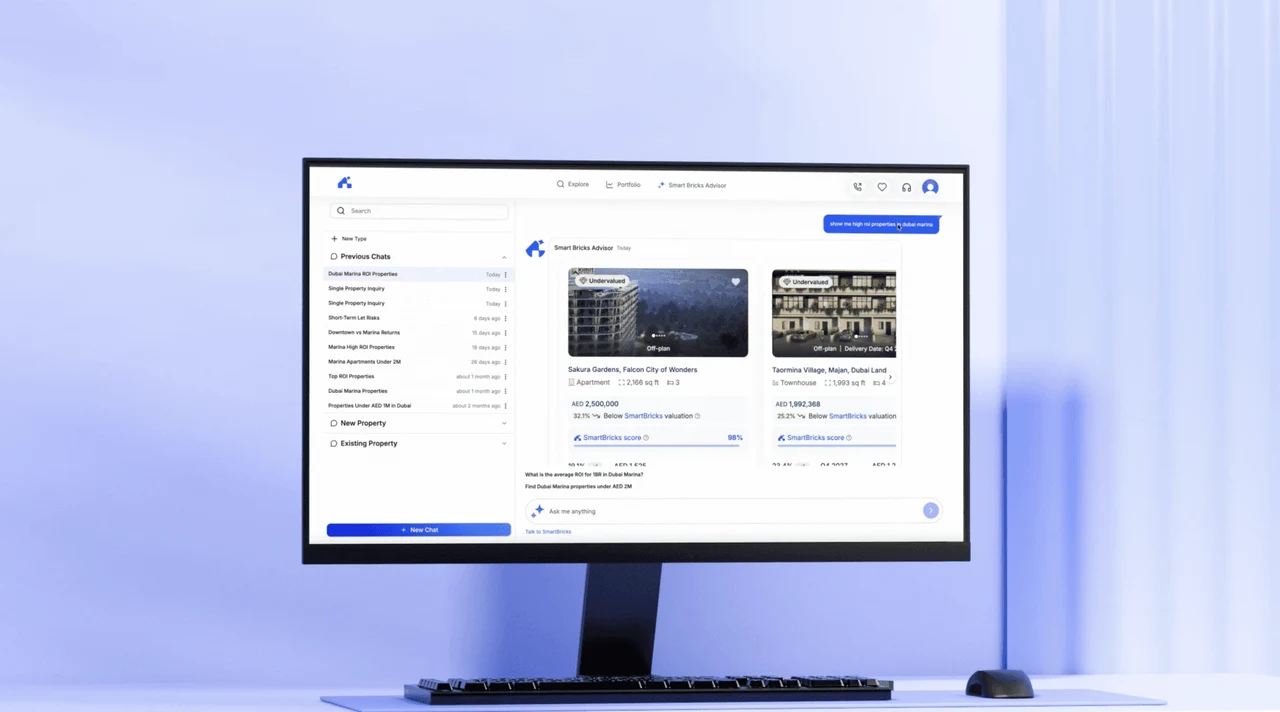
Instead of updating files manually, I rebuilt the production product inside Claude Design and connected it to our workflow. Designers, PMs, and developers could now explore, validate, and iterate on real product experiences before development started.
Product x Claude Design
If Figma Wasn't Reality, We Needed a New One.
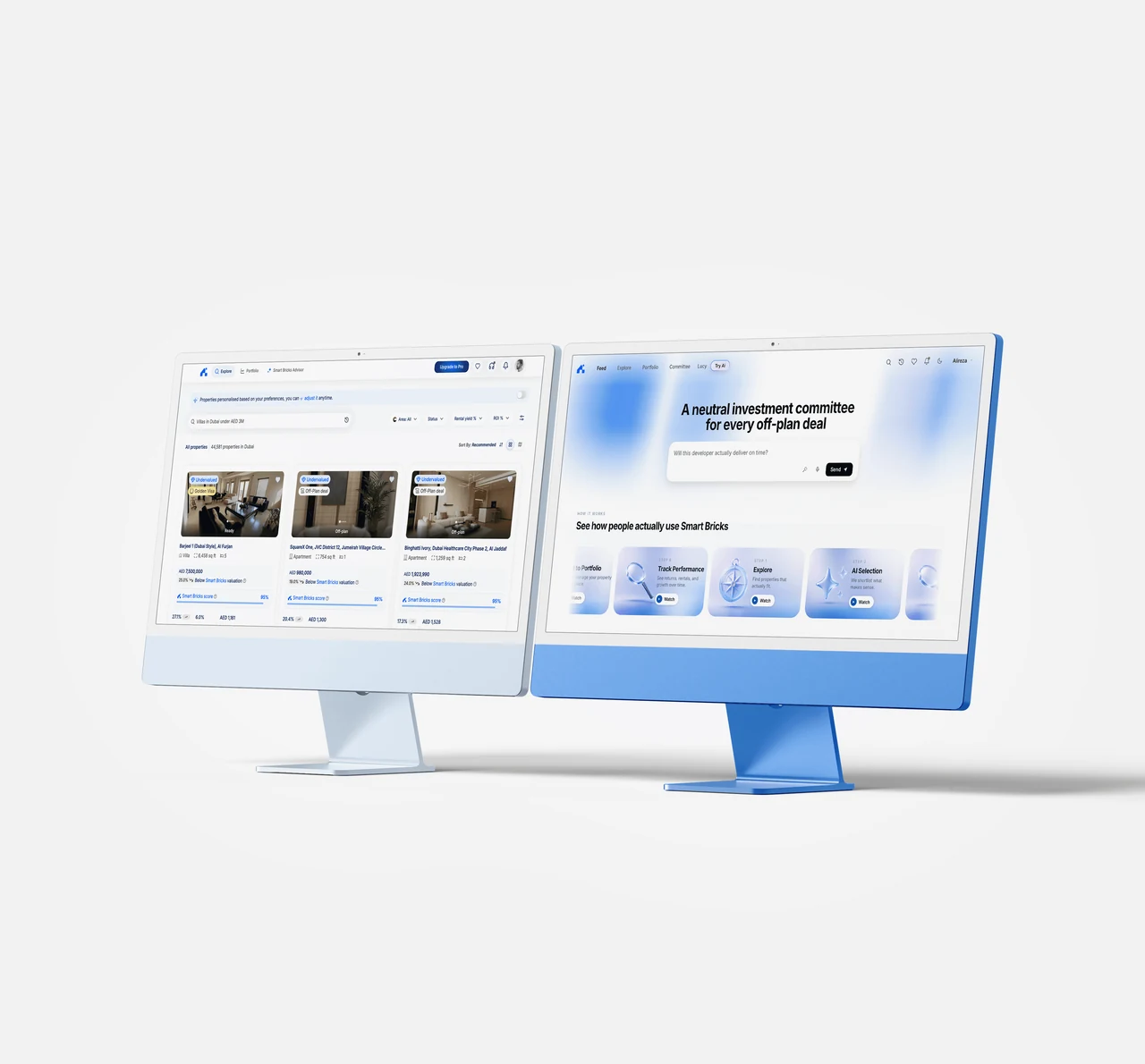
Every production screen, component, and interaction was recreated inside Claude Design. This gave the team a living product environment instead of static design files.
Every existing flow, component, interaction, and screen was rebuilt until the AI environment accurately represented the live product.
This became our new experimentation environment.
Instead of brainstorming with static wireframes, the team could now prototype directly on a working version of the product.
AI-Powered Product
Brainstorming Stopped Looking Like Meetings
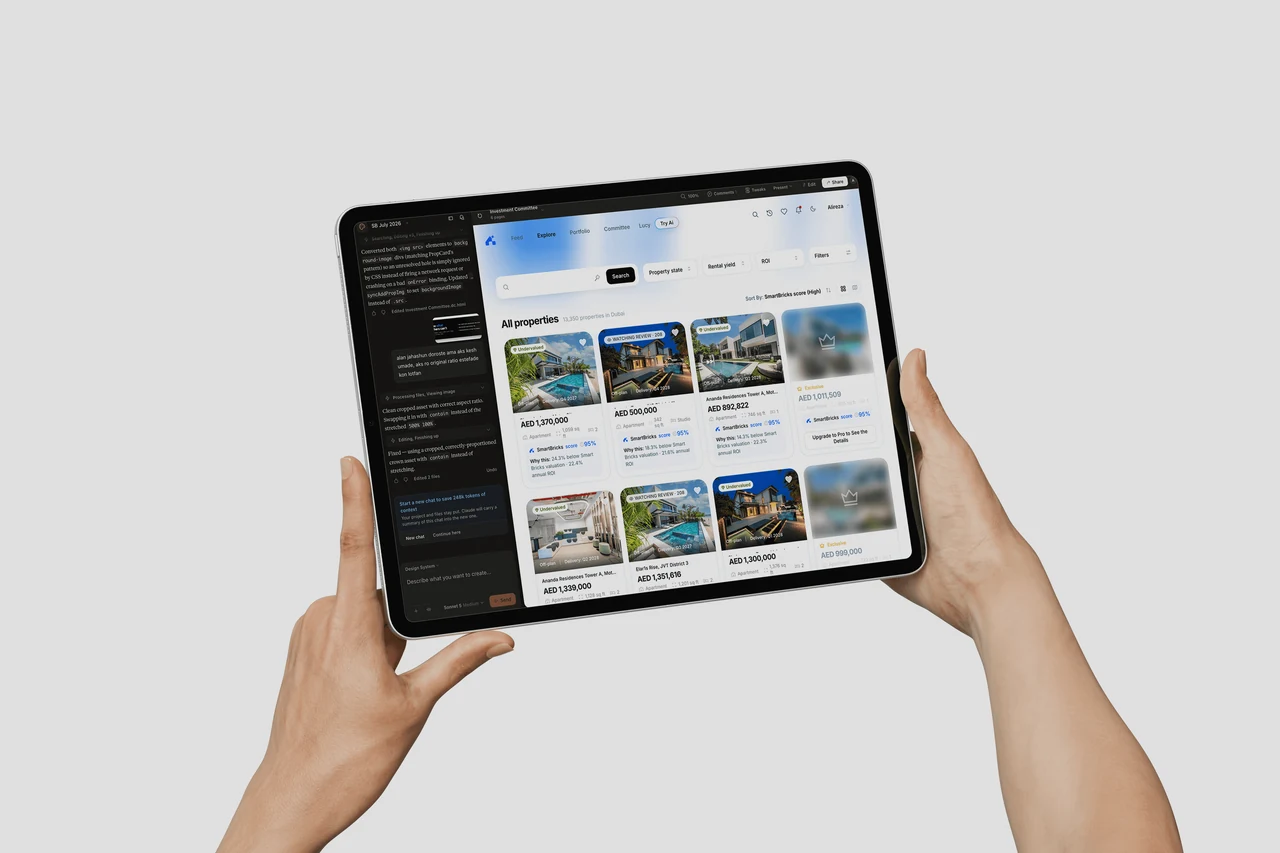
Ideas were no longer discussed with mockups. Teams could prototype, test, and refine features directly inside Claude, making product conversations faster and far more concrete.
Instead of asking questions like:
"Can we design this?"
The conversation became:
"Let's build it and test it."
Product Managers could validate ideas.
Designers could iterate faster.
Developers could review implementation before writing code.
Everyone worked on the same source of truth.
Closing the Design–Development Gap
The Best Handoff Is the One That Doesn't Feel Like a Handoff
Because the product existed inside Claude, developers could reference working implementations instead of static screens. Handoffs became clearer, feedback loops became shorter, and engineering moved significantly faster.
Because the product existed inside Claude Design:
Developers could reuse AI-generated implementation.
Designers could validate interactions before handoff.
Components remained consistent across the product.
Micro-interactions and reusable patterns were tested much earlier.
Instead of handing over static mockups, we delivered working product experiences.
Results
Design cycles dropped from 2–3 weeks to 3–4 days, while many development tasks were reduced from weeks to just a few days. More importantly, ideas could be validated before engineering invested time building them.
Project gallery
AI-Driven Product Analytics
We Stopped Asking Opinions. We Started Asking the Database
The second major initiative was integrating PostHog with Claude.
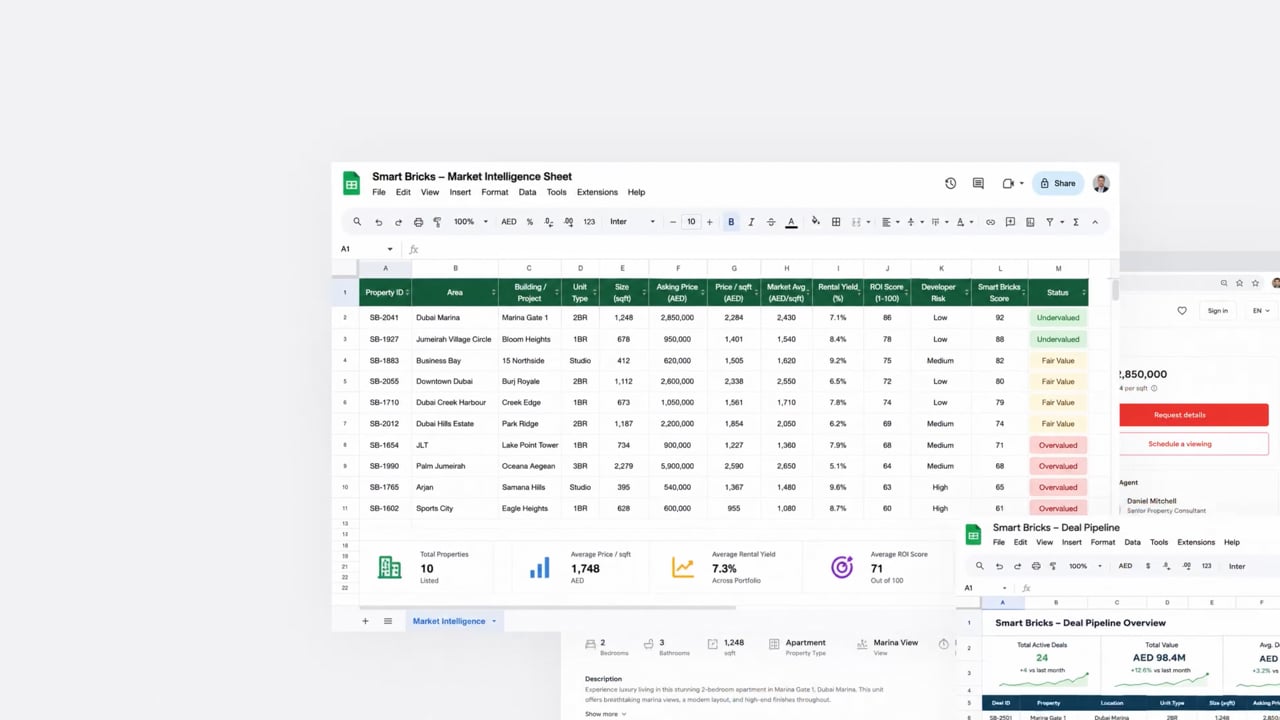
we also connected PostHog with Claude, allowing the team to query product data using natural language. Instead of relying on assumptions, design decisions became driven by real user behavior and measurable insights.
This allowed the team to:
Ask natural-language questions about user behavior.
Analyze funnels in seconds.
Identify drop-off points.
Investigate user journeys.
Validate hypotheses with real product data.
Rather than making product decisions based on intuition, we shifted toward a much more data-driven design process.
A strong backbone
Designing for Every Learning Style
Not Everyone Learns a Product the Same Way
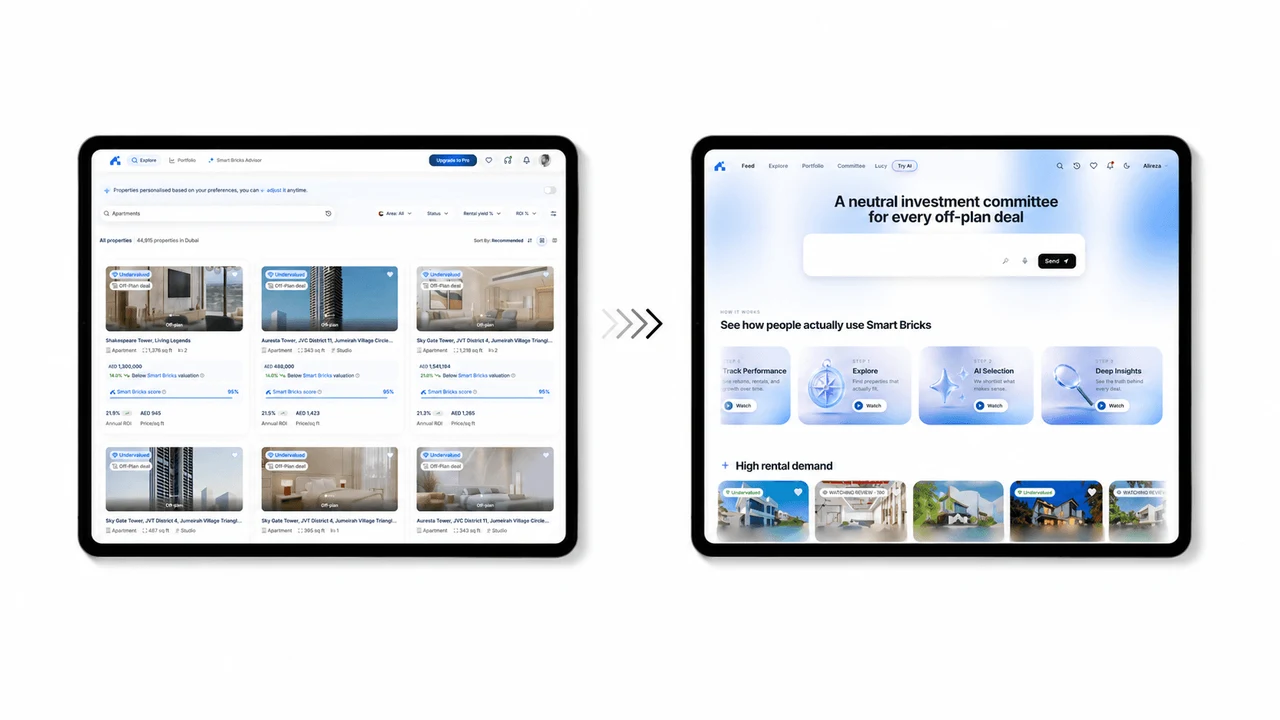
Beyond the workflow improvements, I also redesigned the product interface using modern SaaS patterns and AI-first UX principles.
The focus wasn't simply making the UI look better. The interface needed to educate users while helping Marketing communicate product value.
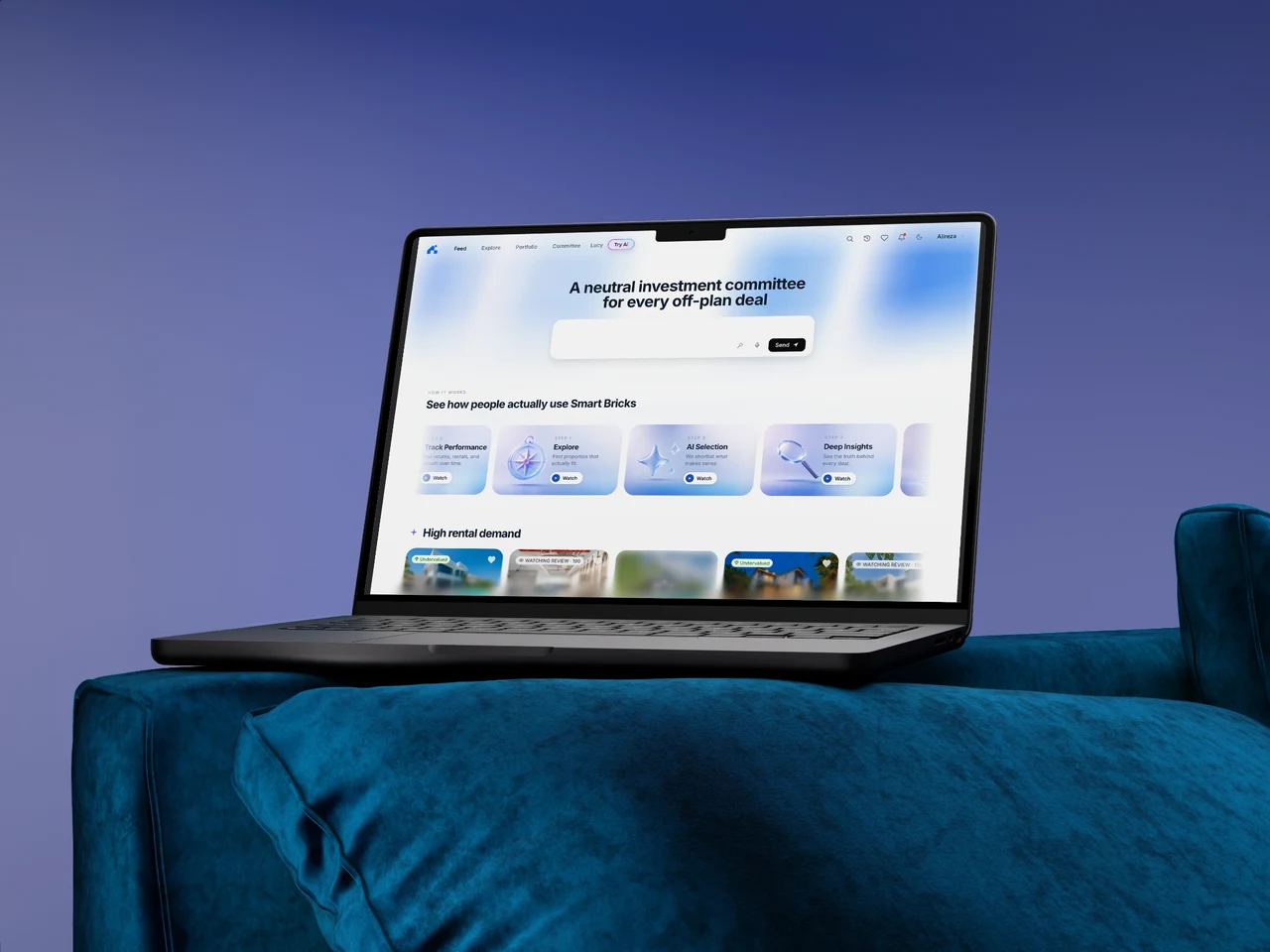
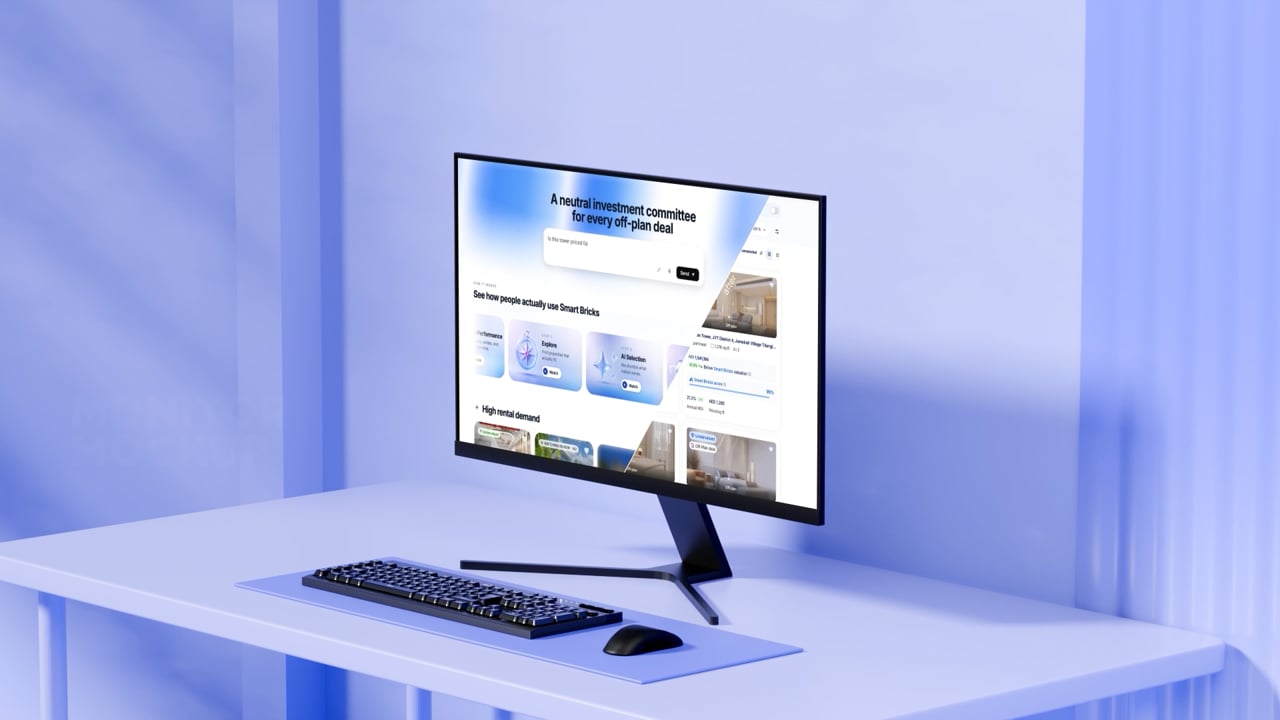
The Home Feed became more than a dashboard.
It became a guided product experience.
Information was delivered through multiple learning styles:
Video walkthroughs for visual learners.
Contextual hints and micro-copy.
Illustrations and visual explanations.
Product maps for users who prefer structured navigation.
Instead of expecting every user to learn the product the same way, the experience adapts to different behaviors and mental models.
The result was a product that feels easier to understand, easier to navigate, and significantly more approachable for first-time users.
Brand Meets Product
Leading both Product Design and Brand allowed me to keep every touchpoint aligned, from the interface and motion system to marketing assets and educational content, creating one consistent experience across the entire product.